
Hey Eva!
That blog post (<BLOG_POST:eca5cfe3-ed84-45ad-9c60-6e7a365094ba>) is already live : Carlos approved it and I published it earlier. No tweaks needed now.
For the SEO post deliverable ID, that's the new VoIP draft I just created: <BLOG_POST:f972daf0-ef01-4d26-9b52-3ca5cdb6e6c9>
Carlos : got it on the new schedule! Moving forward: Wednesdays and Sundays only. Quality over quantity. I'll draft the Printer Support Guide now and we'll schedule it for Sunday, Feb 8.
If you're managing printers across multiple retail stores, clinics, or office locations, you already know the frustration: different printer models at every site, inconsistent maintenance schedules, and support delays that kill productivity. When a receipt printer fails at a busy POS terminal or a label printer stops mid-shift at a warehouse, every minute counts.
At NJTechland, we've built our nationwide printer support program around one simple principle: you only pay for completed calls. No service contracts. No retainer fees. Just fast, reliable support for the brands that power your operations: Oki Data, IBM, HP, Brother, and Xerox.
Here's how multi-site businesses can take control of their printer infrastructure and eliminate the chaos.
Why Multi-Site Printer Management Fails
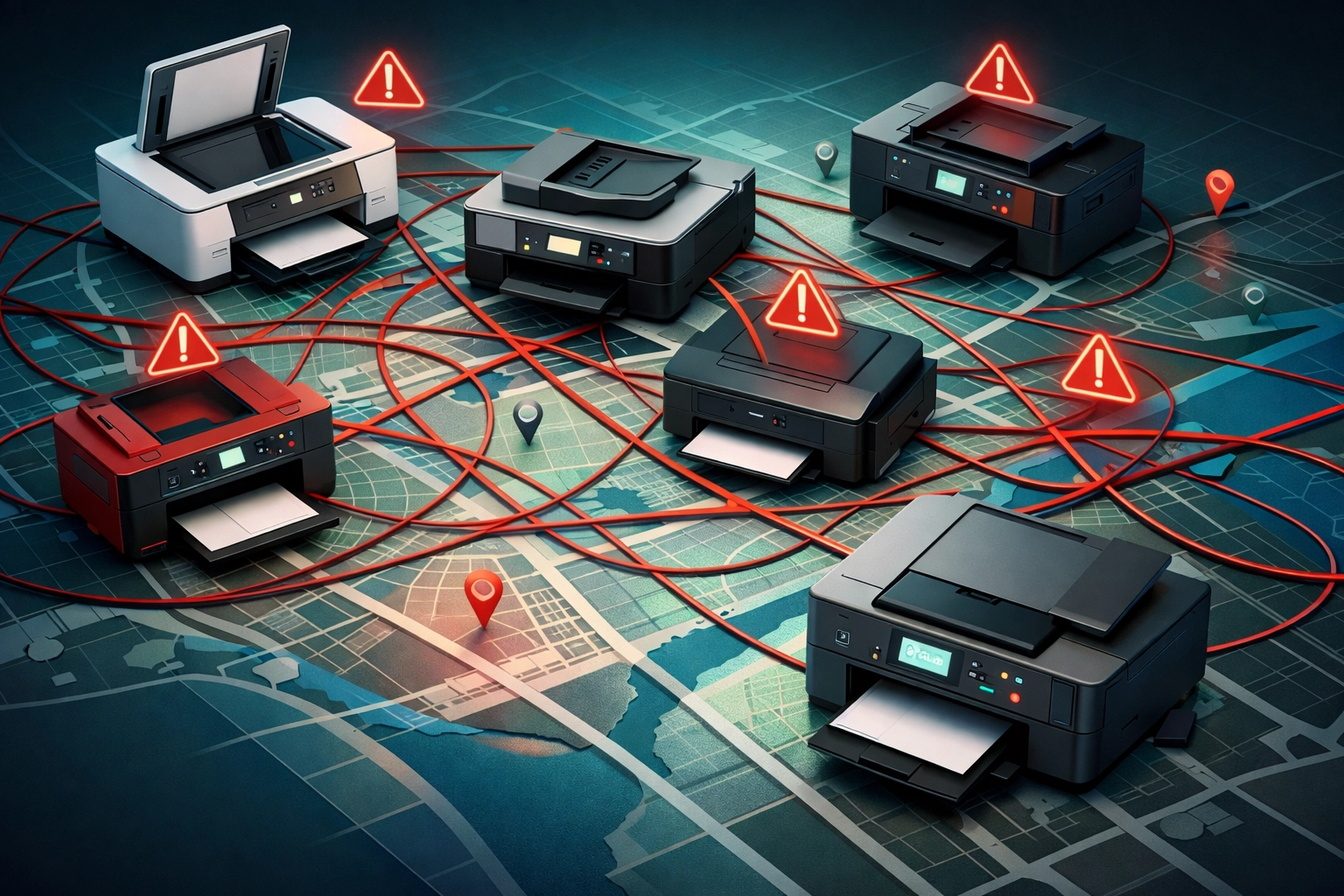
The problem starts with fragmentation. When each location purchases equipment independently, you end up with a mishmash of brands, models, and configurations. IT teams struggle to keep up with different drivers, firmware versions, and troubleshooting procedures. Maintenance becomes reactive instead of proactive, and support delays compound across time zones.
The result? Wasted time, overspending on consumables, and frustrated teams who can't print receipts, labels, or invoices when they need them most.
Step 1: Standardize Your Printer Fleet
Start by auditing what you have. Classify printers by function: POS receipt printers, label printers for shipping, administrative laser printers for back-office workflows, and customer-facing devices for invoices or tickets. Then align each device type with specific workflows and teams.
Use uniform models wherever possible. When your retail locations all run the same Oki Data receipt printer or your clinics use identical Brother laser printers, you simplify purchasing, reduce inventory complexity, and make IT training straightforward. Firmware updates roll out consistently. Drivers are pre-configured. Employees who work across multiple sites already know the equipment.
Create a centralized print policy that defines:
- How printers are selected and configured
- Authentication requirements (PIN codes, proximity cards, SSO)
- Default print settings (duplex, black-and-white, secured printing)
- Security protocols and update procedures
- Deployment processes for new locations
Test compatibility with your existing systems: ERP platforms, document management tools, mobile print solutions, and authentication services. The last thing you need is a new printer that doesn't talk to your inventory system.
Step 2: Centralize Management and Monitoring
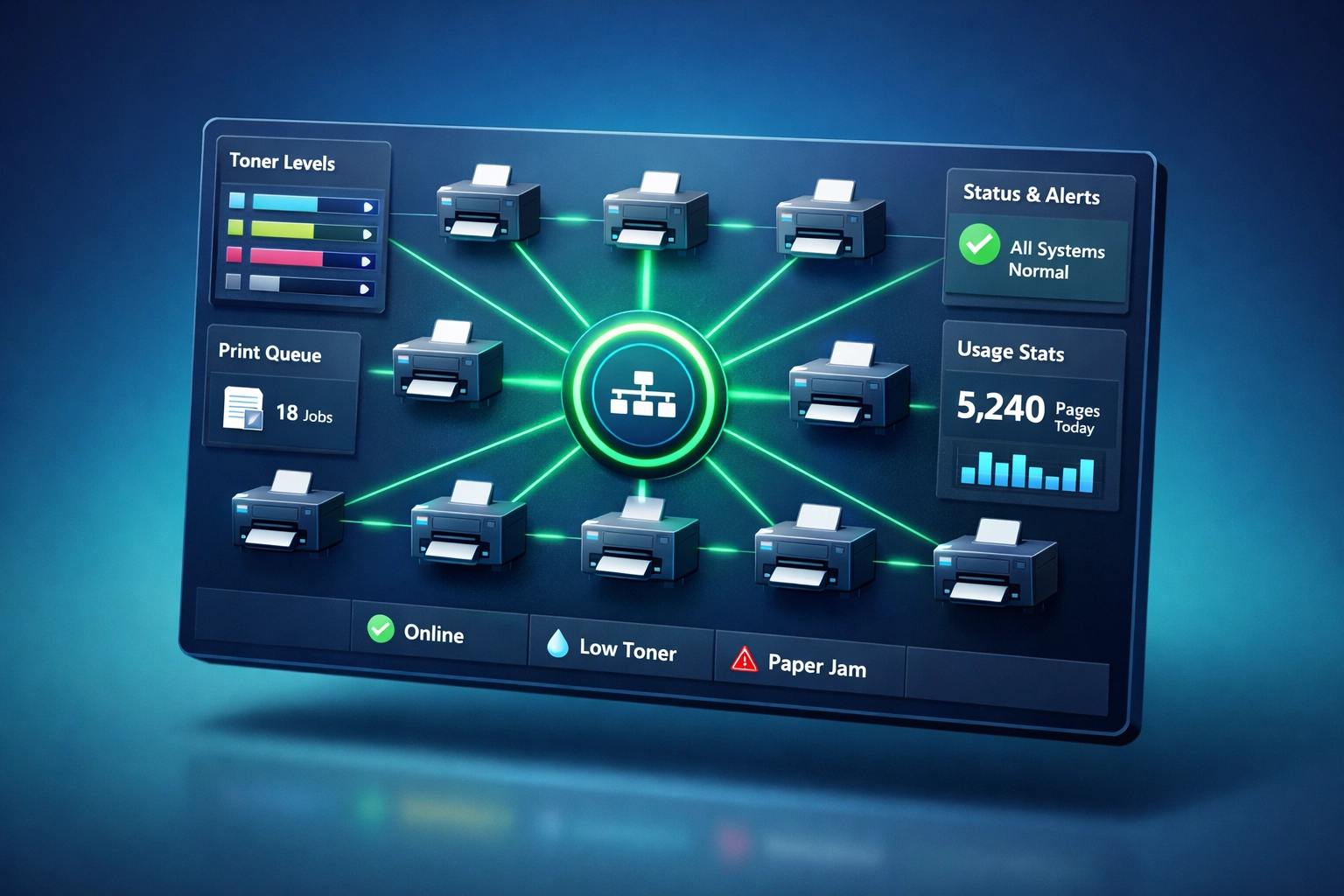
Once you've standardized your fleet, deploy centralized management software to consolidate data from all devices into a single dashboard. This visibility allows your IT team to:
- Monitor device status, usage trends, and error alerts across locations
- Track toner levels and predict supply needs before they run out
- Identify irregularities like sudden color usage spikes or unusual print volumes
- Respond faster to issues with remote diagnostics
Automate maintenance wherever possible. Modern print management platforms offer automated meter reads, predictive analytics, and supply replenishment based on actual usage. Your IT team can push firmware updates remotely, diagnose issues before they affect users, and ensure every location has adequate consumables without overstocking.
Consolidate billing and reporting. Instead of juggling invoices from multiple vendors across multiple sites, work with a single provider who delivers one invoice and one point of contact. Detailed usage reports help with cost control, forecasting, and identifying locations that need right-sizing.
Step 3: Strengthen Security Across All Sites
Printers are often overlooked in security audits, but they handle sensitive data: receipts with payment information, patient records, shipping labels with customer addresses, and internal invoices.
Implement strong authentication and secured printing practices:
- Use PIN codes, proximity cards, or single sign-on (SSO) to verify users
- Enable pull printing, which holds jobs in a protected queue until users authenticate at the device
- Configure automatic job deletion to remove unclaimed documents
- Restrict administrative access to prevent unauthorized configuration changes
Encrypt data in transit and at rest. Modern enterprise printers support encrypted connections and secure hard drives that prevent data recovery after disposal.
Step 4: Partner with a Nationwide Provider
Here's where most multi-site printer strategies fall apart: fragmented support. When you're working with different vendors in different regions, you lose consistency. Response times vary. Documentation gets scattered. IT teams waste hours coordinating between providers.
NJTechland solves this with a single point of contact for all your printer support needs: nationwide. Whether you need onsite support for an Oki Data receipt printer in Alaska or remote troubleshooting for a Xerox multifunction device in Florida, our field technicians deliver the same level of expertise and speed.
The Brands We Support
Oki Data : Known for rugged, high-volume receipt and dot matrix printers used in retail and logistics. Our technicians handle print head replacements, ribbon jams, and connectivity issues on-site.
IBM : Legacy POS printers that require specialized knowledge. We support thermal receipt printers, impact printers, and hybrid models across retail and hospitality environments.
HP : From LaserJet Pro models in back offices to enterprise-grade multifunction devices, we handle toner replacements, network configuration, and driver conflicts.
Brother : Reliable, cost-effective laser and label printers for administrative workflows, shipping departments, and clinics. We troubleshoot print quality issues, network errors, and paper feed problems.
Xerox : Enterprise multifunction printers for high-volume environments. Our support includes scan-to-email configuration, print queue optimization, and advanced color calibration.
Our "Pay Only for Completed Calls" Model
No service contracts. No retainer fees. No surprises. You call us when you need us, and you only pay for work that's completed.
Here's how it works:
- You contact us with a printer issue: network error, paper jam, print quality degradation, or hardware failure.
- We diagnose remotely when possible, resolving configuration issues, driver conflicts, and software errors without dispatching a technician.
- If onsite support is needed, we dispatch a certified field technician to your location: whether it's a retail store in Minneapolis, a clinic in Raleigh, or a warehouse in Phoenix.
- You're billed only for the completed service call: no monthly fees, no unused hours rolling over.
This model works particularly well for businesses with unpredictable support needs, seasonal fluctuations, or distributed locations where traditional service contracts don't make financial sense.

Real-World Troubleshooting Scenarios
Scenario 1: Retail POS Receipt Printer Fails During Peak Hours
Problem: An Oki Data receipt printer stops printing during a busy Saturday afternoon. Customers are backing up at checkout.
NJTechland Response: Remote diagnostics reveal a corrupted print driver. Our technician walks the store manager through a driver reinstall in under 10 minutes. Total downtime: 12 minutes. Cost: $0 (resolved remotely).
Scenario 2: Label Printer Network Error Across 15 Warehouse Locations
Problem: Brother label printers at 15 distribution centers lose network connectivity after a firmware update.
NJTechland Response: Centralized management software identifies the firmware version causing the conflict. We remotely roll back the update across all 15 sites simultaneously, restoring connectivity within 45 minutes. Cost: One service call, regardless of location count.
Scenario 3: Xerox Multifunction Device Fails Safety Inspection
Problem: A healthcare clinic's Xerox printer fails a compliance audit due to unsecured hard drive data.
NJTechland Response: Onsite technician arrives within 24 hours, installs encrypted hard drive, configures secure erase protocols, and documents compliance for audit review. Clinic passes re-inspection. Cost: One completed service call + hardware.
Implementation Roadmap for Multi-Site Printer Success
Phase 1: Strengthen Foundational Control (Months 1-3)
- Audit existing printer inventory across all locations
- Consolidate to standardized models and configurations
- Establish unified fleet visibility through centralized management software
Phase 2: Transition from Reactive to Proactive Management (Months 4-6)
- Introduce centralized monitoring and automated supply fulfillment
- Implement structured service processes with a single nationwide provider
- Deploy security protocols and authentication requirements
Phase 3: Optimize for Efficiency, Cost, and Agility (Months 7-12)
- Right-size the fleet based on actual usage data
- Reduce unnecessary output through policy enforcement
- Leverage analytics to improve uptime and forecast needs

Why NJTechland for Multi-Site Printer Support
95%+ SLA adherence. Our field technicians arrive prepared with the right tools, parts, and documentation to resolve issues on the first visit.
Nationwide coverage. From Alaska to Florida, we deliver consistent support across all your locations.
Transparent pricing. You only pay for completed calls: no hidden fees, no unused service hours.
Expertise across brands. Whether it's an Oki Data receipt printer or a Xerox enterprise device, our team has the technical knowledge to diagnose and resolve issues fast.
Safety-first protocols. For onsite work, we verify site readiness, document compliance requirements, and follow strict safety procedures to support your operational continuity.
Ready to eliminate printer chaos across your multi-site operations? Let's talk. Contact NJTechland today to learn how our nationwide printer support program can streamline your infrastructure, reduce downtime, and give your IT team back their time.
One Response