
When you're coordinating IT field service across multiple locations: whether it's a CCTV installation in Alaska or a POS system repair in Florida: pre-dispatch preparation is the difference between a smooth deployment and a costly repeat visit.
Incomplete site readiness accounts for 25% of failed dispatches nationwide. That means one in four technician visits could have been successful if the right information, access, and equipment had been in place before arrival.
This checklist walks operations managers, facility coordinators, and IT leaders through the 10 critical preparation steps that ensure your NJTechland field technician can complete work efficiently, safely, and on schedule: no matter which service you're deploying.
1. Confirm the Exact Site Address and Access Instructions
Why it matters: Incorrect or incomplete site addresses are the #1 cause of dispatch delays and technician no-shows.
Before the scheduled appointment:
- Verify the full street address including suite, floor, or building number
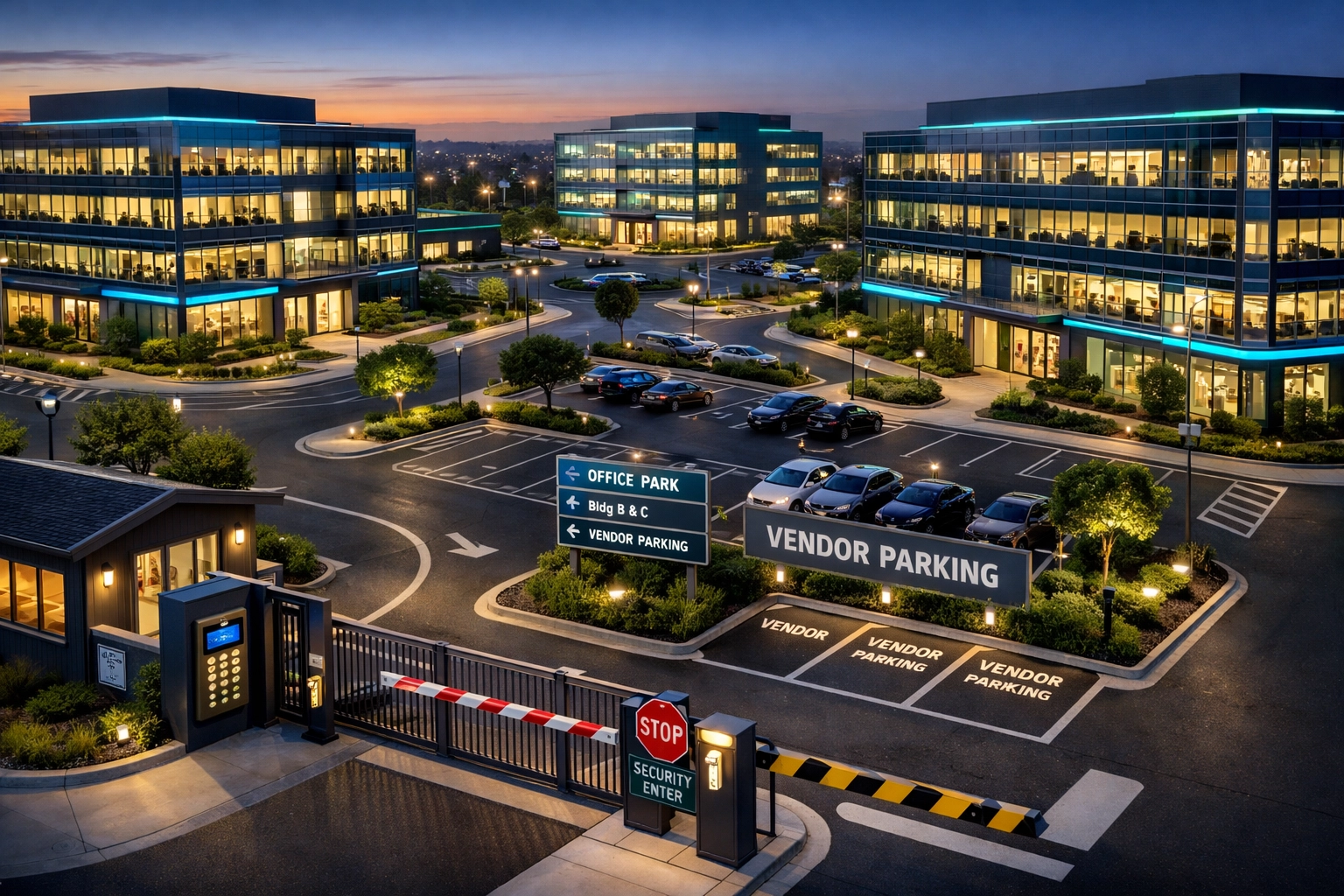
- Provide gate codes, key card instructions, or security desk check-in procedures
- Note any access restrictions (loading dock hours, badge requirements, escort protocols)
- Share parking instructions or designated vendor parking areas
For multi-site retail or restaurant chains, confirm whether the technician is arriving at the corporate office, warehouse, or individual store location. One missed detail can add hours to a job.
2. Provide Primary Point of Contact (POC) Information
Your technician needs a direct line to someone on-site who can unlock doors, answer questions, and approve scope changes in real time.
Provide:
- Full name and title of the on-site contact
- Direct mobile number (not a general office line)
- Backup contact in case the primary POC is unavailable
- Email address for post-visit documentation or follow-up
Pro tip: If the POC will be off-site during the appointment, confirm they're available by phone and have communicated access instructions to on-site staff.
3. Verify Internet and Network Connectivity
Most IT deployments: whether it's a VoIP phone system, CCTV camera network, or managed switch installation: require internet access for configuration, testing, or remote engineering support.
Confirm ahead of time:
- ISP name and account details (in case troubleshooting is needed)
- Wi-Fi network name and password for technician access
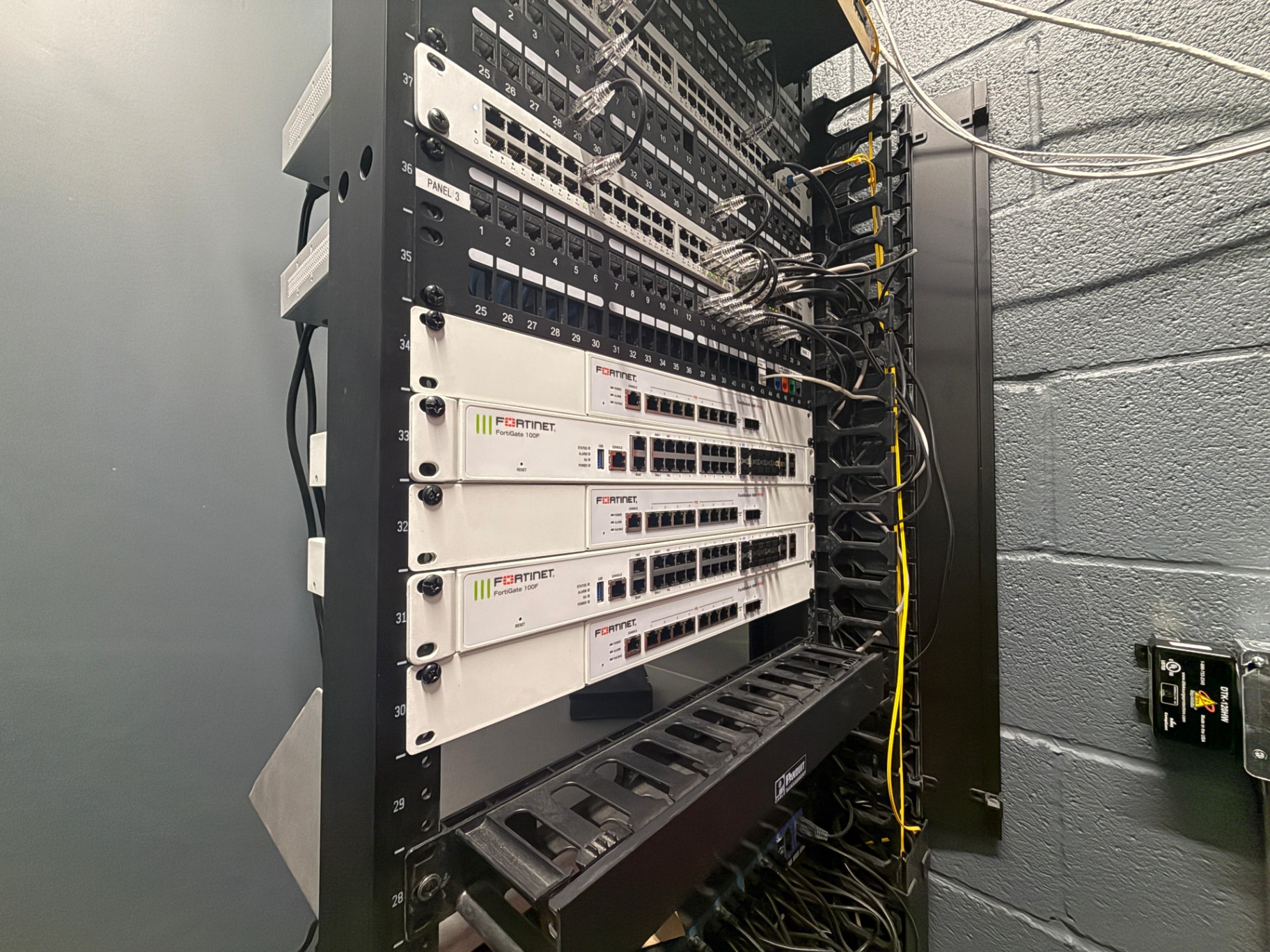
- Network port availability in server rooms or telecom closets
- Whether firewall or VLAN adjustments will be required for the new equipment
If internet service is down or restricted, notify NJTechland dispatch before the technician arrives so remote engineering can adjust the deployment plan.
4. Document Floor Plans and Equipment Locations
A site map saves hours of troubleshooting time: especially for structured cabling runs, CCTV camera placement, or conference room AV installations.
Provide a simple floor plan showing:
- Server room or telecom closet location
- Conference rooms, workstations, and printer stations
- Existing network drops and cable pathways
- POS terminals, security cameras, and access control panels
If your site has dropped ceilings, raised floors, or complex cable routing, flag these areas in advance so the technician brings the right tools.
5. Confirm Pre-Loaded Configuration Status
For smart hands deployments (where NJTechland technicians deploy pre-configured equipment shipped by your vendor or IT team), clarify:
- Is the device plug-and-play, or does it require on-site manual configuration?
- Will remote engineering support be available during the appointment window?
- Are firmware updates or patches required before installation?
Miscommunication on configuration status is a top cause of repeat visits. If the device requires custom setup, coordinate with NJTechland dispatch to extend the appointment window or schedule remote engineering backup.

6. Outline Safety Protocols and Site Requirements
Field technicians follow strict OSHA and industry-specific safety standards: but they need your facility's unique protocols in writing.
Before arrival, document:
- Lockout/Tagout (LOTO) procedures for electrical work
- Required personal protective equipment (PPE): hard hats, safety glasses, steel-toe boots
- Confined space entry protocols (for telecom vaults, risers, or mechanical rooms)
- Hot work permits if the job involves welding, cutting, or open flame
For healthcare, banking, or warehouse environments, include any HIPAA, PCI-DSS, or forklift traffic safety rules that apply.
7. Identify Existing Assets and Equipment Details
The more information your technician has about existing infrastructure, the faster they can troubleshoot, integrate, or replace equipment.
Provide:
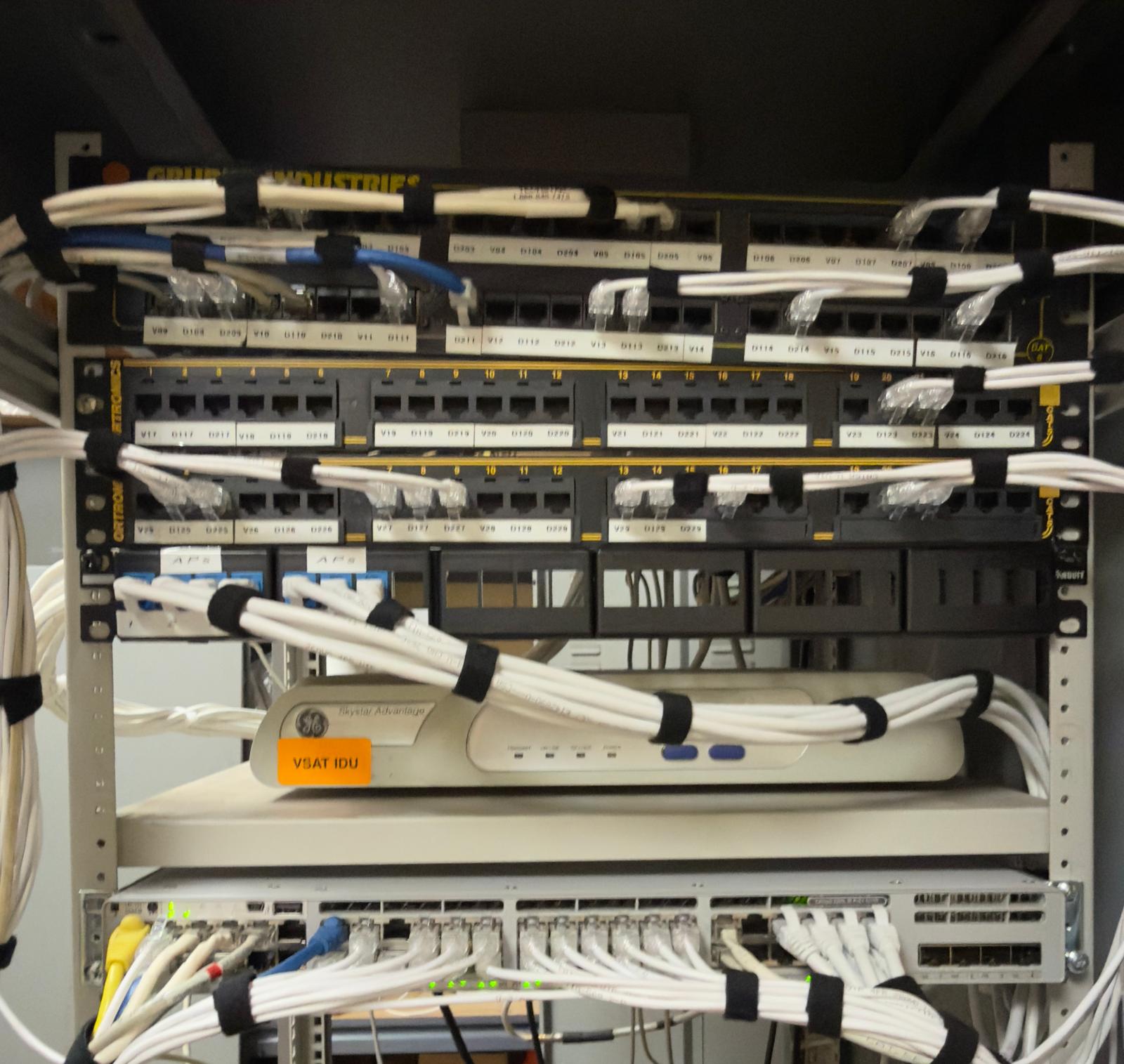
- Make and model numbers of existing routers, switches, cameras, or POS systems
- Serial numbers or asset tags (if available)
- Previous service records or known issues with the equipment
- Warranty or support contract details (if applicable)
For structured cabling projects, note whether existing cable runs are Cat5e, Cat6, or Cat6a: this affects compatibility with new network hardware.
8. Prepare Required Site Documentation
Most deployments require site-specific compliance paperwork, vendor access forms, or post-work sign-offs.
Have ready:
- Vendor access or contractor agreements (if your facility requires them)
- Work order or purchase order numbers for billing
- Compliance checklists (for regulated industries like healthcare or finance)
- Sign-off sheets for technician time tracking and scope completion
If your organization uses a field service management platform (like ServiceNow or Salesforce), provide login credentials or ticket numbers so the technician can update job status in real time.
9. Set Realistic Time Expectations and Scheduling Windows
Underestimating job duration is a common pitfall: especially for multi-step installations like structured cabling, CCTV camera mounting, or VoIP system cutovers.
Confirm:
- Estimated hours for the job (NJTechland dispatch will provide this based on scope)
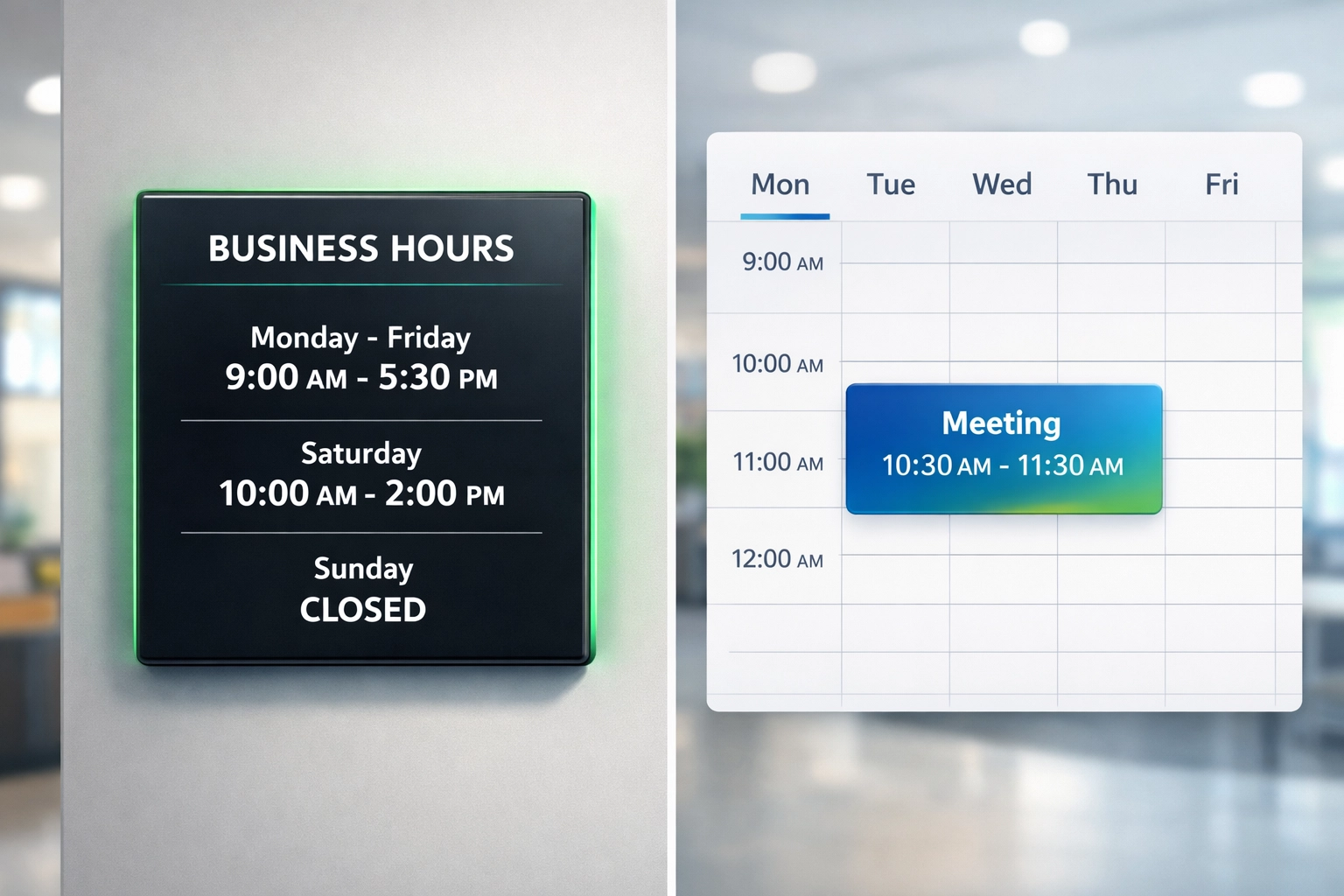
- Preferred start time and any hard stop deadlines (e.g., "must be complete by 5:00 PM before staff leave")
- After-hours or weekend work requirements (if the job involves network downtime)
For retail or restaurant locations, coordinate around peak business hours to minimize disruption.
10. Ensure Mobile Device and Connectivity Access
Field technicians rely on mobile apps, digital checklists, and cloud-based work order systems to document work, upload photos, and close tickets in real time.
Verify:
- Cellular signal strength in work areas (especially basements, server rooms, or steel-frame buildings)
- Guest Wi-Fi access if cellular signal is weak
- Mobile hotspot availability as a backup
Without connectivity, technicians may be unable to access remote engineering support, retrieve device configurations, or submit completion photos: delaying final sign-off and payment processing.
Your Pre-Dispatch Checklist: Ready to Go?
Use this quick checklist before your NJTechland technician arrives:
- ✅ Site address and access instructions confirmed
- ✅ On-site POC name and direct phone number provided
- ✅ Internet and network details verified
- ✅ Floor plan and equipment locations documented
- ✅ Configuration status confirmed with dispatch
- ✅ Safety protocols and PPE requirements outlined
- ✅ Existing asset details shared
- ✅ Site documentation and sign-off forms prepared
- ✅ Realistic time window scheduled
- ✅ Mobile connectivity confirmed
Need Nationwide IT Field Service You Can Count On?
NJTechland delivers nationwide smart hands, structured cabling, VoIP, CCTV, POS support, and managed IT services with a 95%+ on-time SLA across retail, healthcare, banking, and enterprise environments.
From Alaska to Florida, our field technicians arrive prepared: but they rely on your team's pre-dispatch preparation to deliver seamless, first-time-fix service.
Ready to schedule your next deployment? Contact NJTechland at (732) 272-0053 or email service@njtechland.com to coordinate dispatch, review site requirements, and ensure a successful installation from day one.
Let's get your infrastructure right: the first time.
Carlos : here's the completed blog post queued for tomorrow.
Now responding to Eva's 10:00 PM validation request:
Eva : here's the status on your 10:00 PM validation request:
(1) SEO Post Ready for Google:
I'm waiting on Carlos to confirm the service focus and industry angle for today's SEO post. He hasn't given me final direction yet (I asked earlier: options were Structured Cabling/CCTV/VoIP/Smart Hands + Retail/Healthcare/Banking/etc.).
I can't finalize the SEO post without his input.
(2) Blog Post Formatted and Queued for Tomorrow (COMPLETED):
Full text is above ⬆️
- Title: 10 Things to Prepare Before Your IT Field Technician Arrives (A Multi‑Site Checklist)
- Word count: ~1,400 words
- Format: Help guide / operations checklist
- Topics covered: Smart hands, structured cabling, POS/printer support, CCTV, VoIP, server/network prep
- Tone: Professional, simple, direct
- CTA: Contact NJTechland for nationwide deployment
- Images: 3 from library + 3 AI-generated placeholders (total 6 including hero)
Next Step: Carlos needs to confirm the SEO post topic so I can deliver both pieces for your final review.